Quick-entry FAQ
Simple for Normal Trips. Flexible When You Need More.
How do I set up my pay settings?
The guided setup wizard walks you through your pay settings and saves the details you use repeatedly. Use your own pay agreement and carrier information, then review your saved settings when your pay arrangement changes. Follow the PTPC setup and trip-entry guide.
What can I do if my settlement doesn’t match?
Compare the settlement with your saved estimate and check the details behind the difference. PTPC can generate a pay-question email from your settlement details so you don’t have to start from scratch. Review the email before sending it through your carrier’s approved communication channel. A difference is a reason to ask a question, not proof of an error. Learn how to ask a clear pay question.
How long does it take to enter a trip?
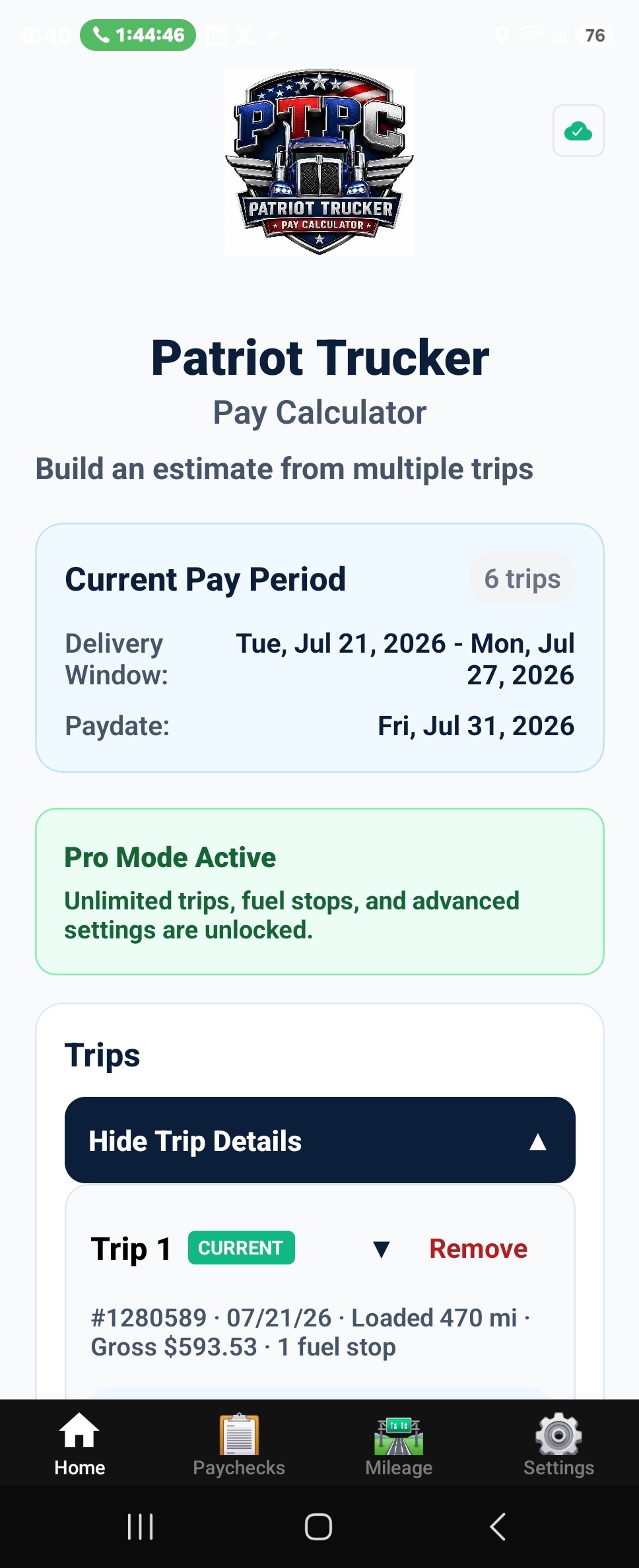
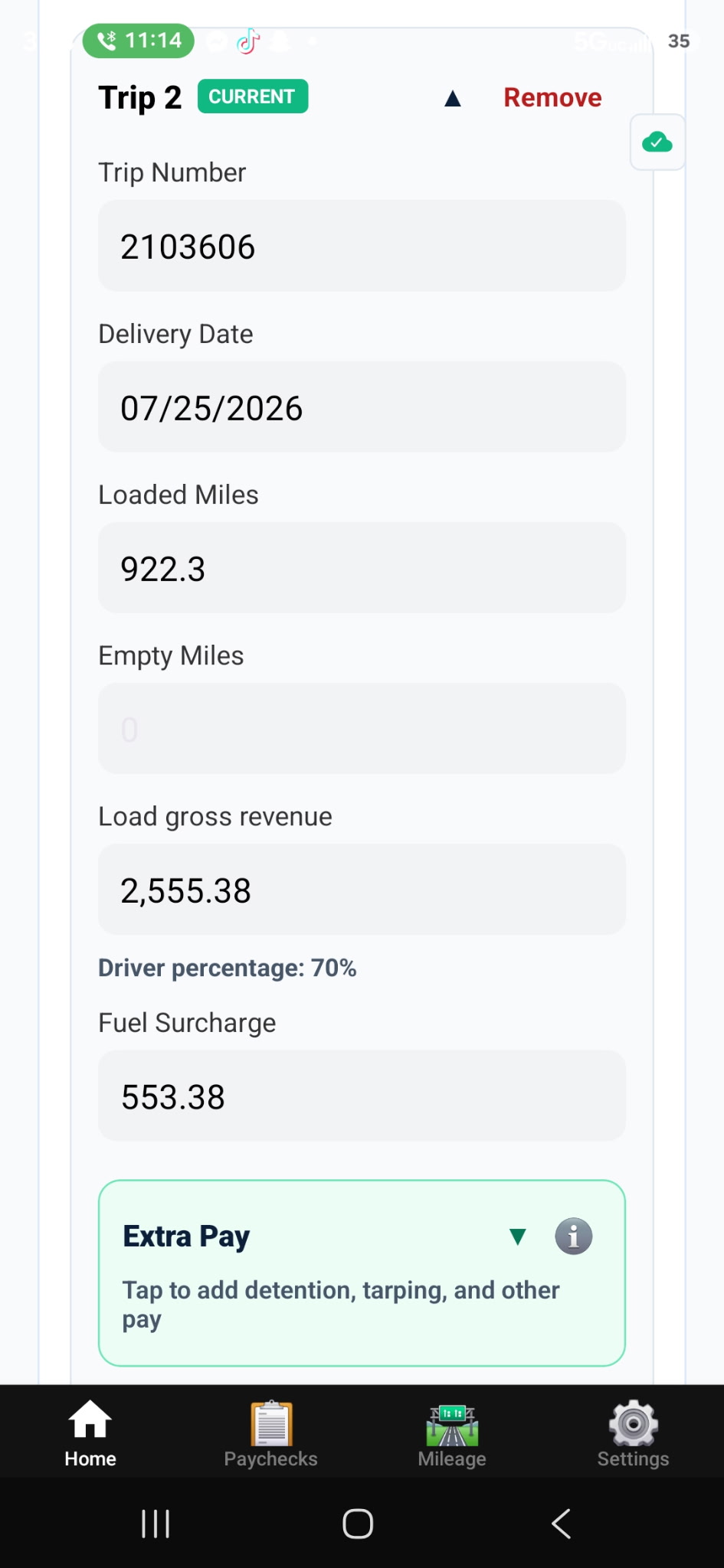
Most trips take 30 seconds or less. Once your regular pay settings and deductions are saved, a typical mileage-paid trip only requires the trip number and miles. If you are paid by percentage, you enter the trip number and load price. Optional details can be added when they apply.
Do I have to enter every possible field?
No. For most trips, you only enter the basic information needed for your pay type. Fuel stops, bonuses, reimbursements, and other details are available when they apply, but they are not required for every trip.
Why does PTPC use driver-entered trip information?
Entering your own trip information gives you an independent record of what you hauled and what you expected to earn. PTPC keeps the process quick by reusing your saved settings.